Broker Integrations
Connect your brokerage account via API and automatically sync transactions. XTB, Exante, Binance, Crypto.com - and more coming soon.
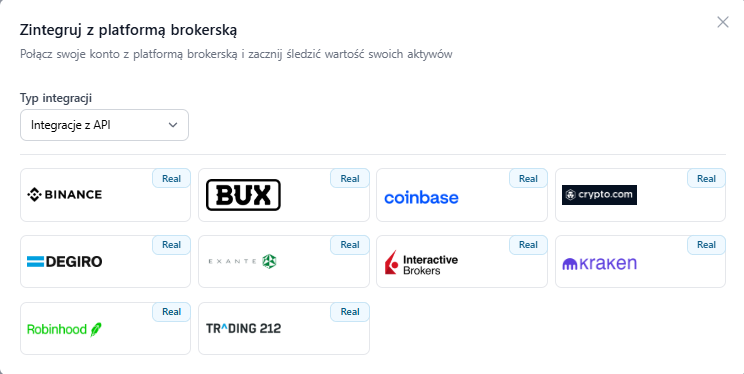
Easy connection
Generate API keys at your broker, paste them into Ecrumena - done. The entire process takes about a minute.
Automatic sync
New transactions import automatically. No need to manually add every buy and sell.
CSV import
For brokers without API - import transactions from a CSV file. We support XTB, mBank, Bossa, and many more formats.
Read-only mode
Ecrumena cannot execute trades. The API connection is exclusively for reading data.
Download full history
On first connection, we import the entire available transaction history - even from years ago.
Brokers worldwide
XTB, Exante, Binance, Crypto.com - and we plan to add more regularly.
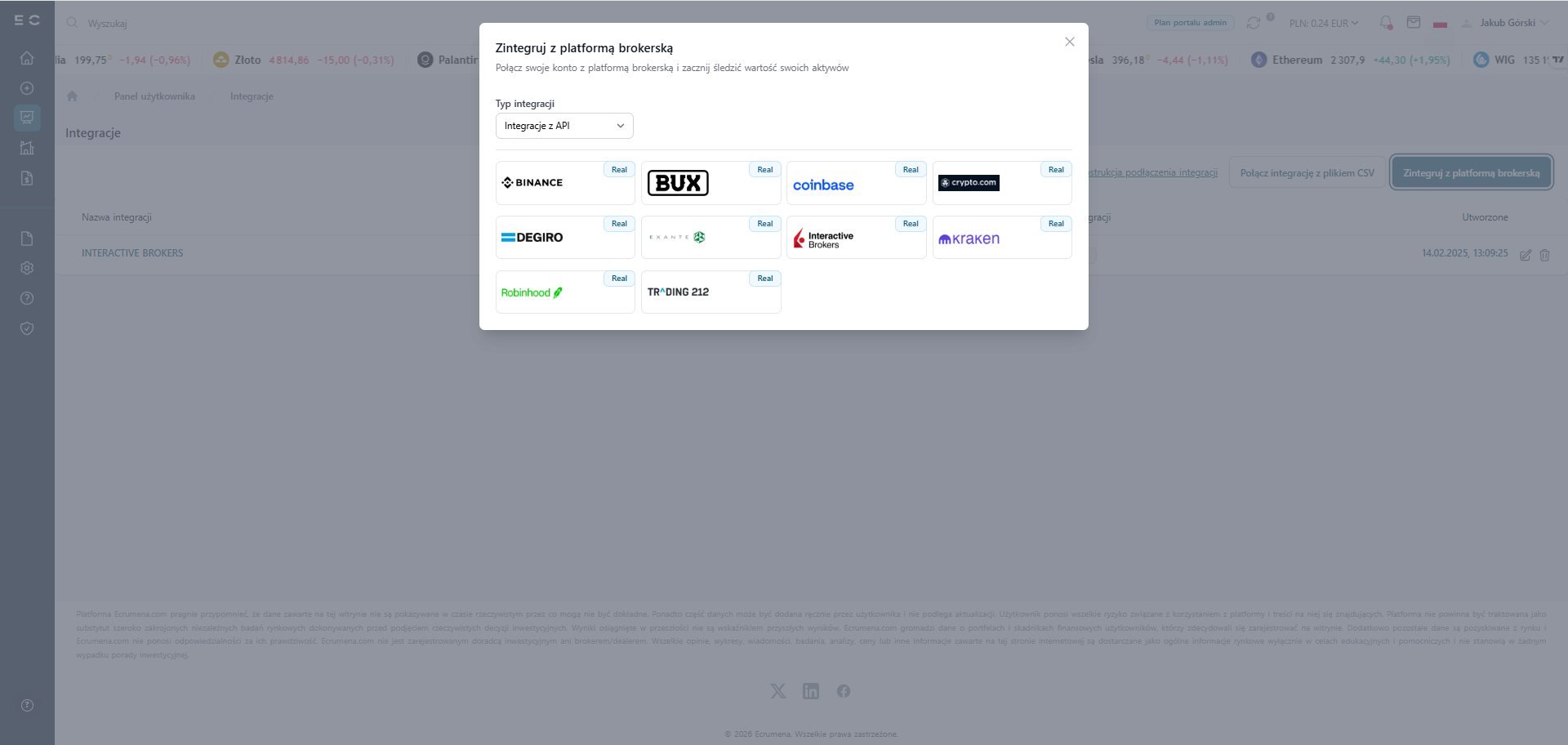
Choose a broker from the list and connect in a few clicks
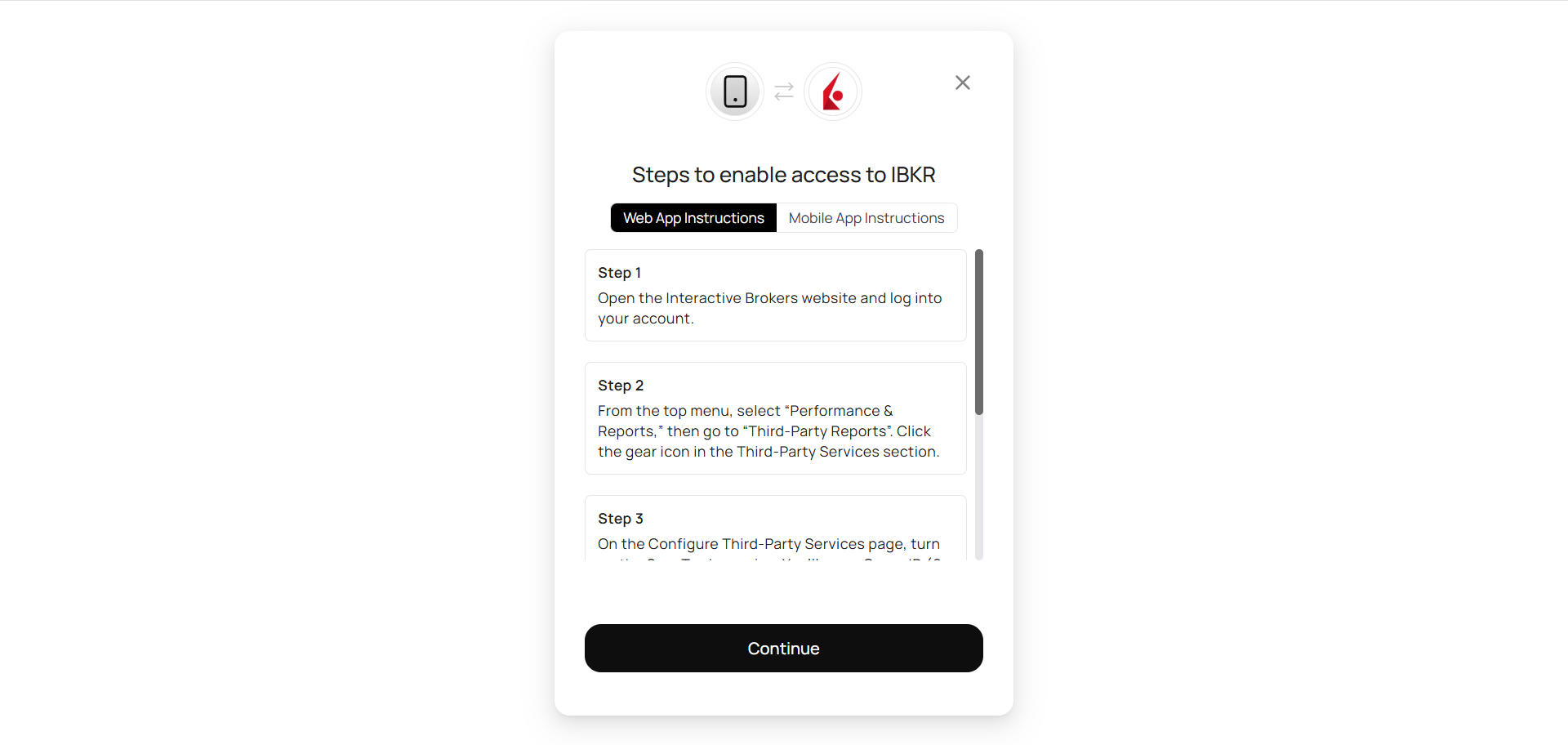
Real-time transaction sync status view
No more manual transaction entry
Connecting your brokerage account takes just a few clicks. Once connected, Ecrumena automatically imports your transactions - both historical and new ones, in real time.
How does synchronization work?
After providing your broker API keys, Ecrumena connects in read-only mode and fetches your transaction history. New transactions sync automatically - you don't need to do anything.
CSV file import
Your broker doesn't have API integration yet? Export your transaction history to CSV and import it into Ecrumena. We support formats from the most popular brokers in Poland and Europe.
Connection security
API keys are encrypted and stored on secure servers. Ecrumena never has the ability to execute trades on your account - the connection is strictly read-only.
Frequently asked questions
Pricing
Pricing that grows with you
Choose a subscription plan that fits your needs and get access to the Ecrumena information platform.

How Important Is Control Over Your Investments?
Get Positive Results on the Stock Market
Register to join the world of informed investors. Click below and register today!